
Advanced
Users & Admin Accounts
Create and manage staff accounts from the Users page, giving each one or more roles: Owner, School Administrator, Accountant, Receptionist, or a role you defined yourself. An email address is optional.
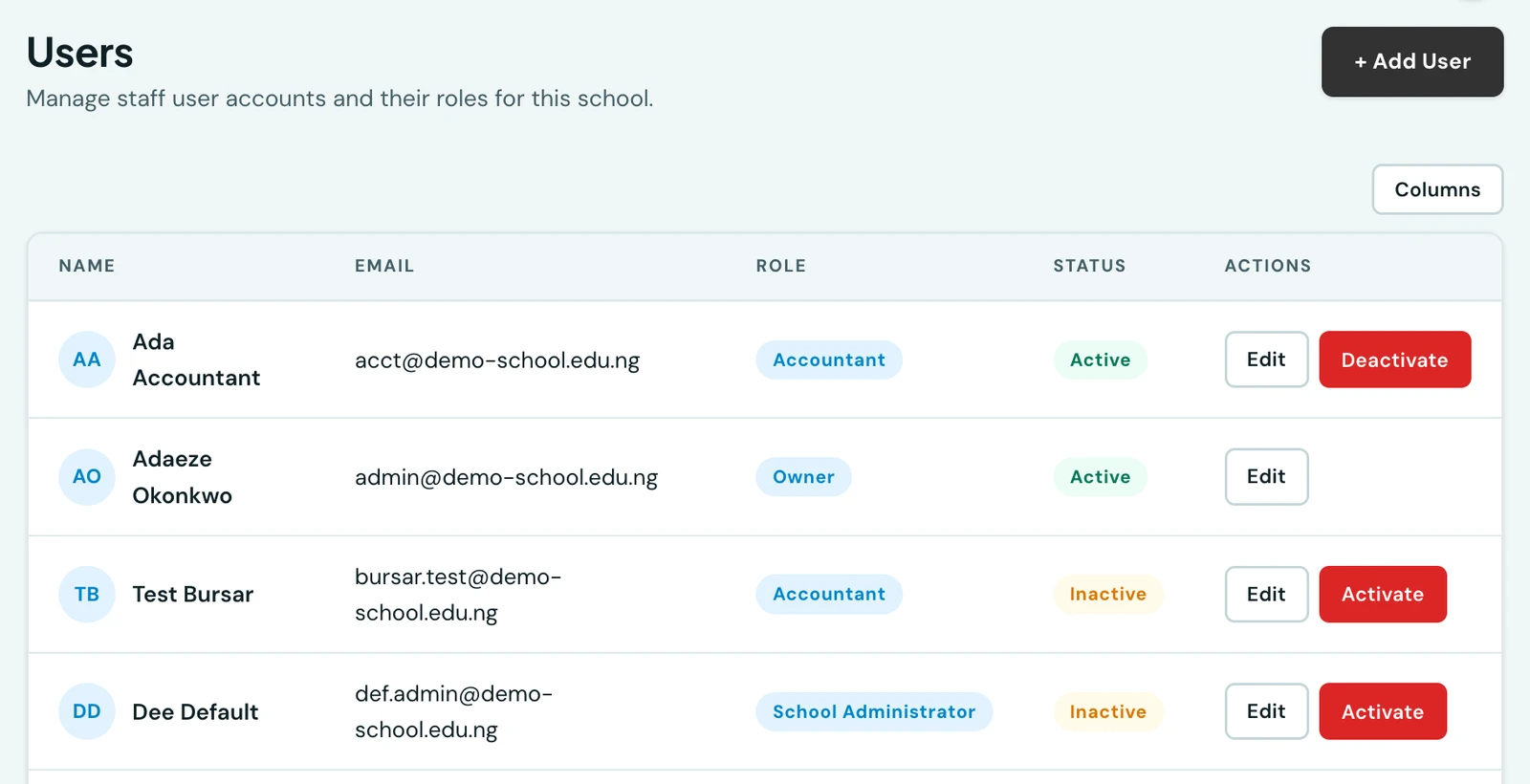
A school is not limited to a single administrator. Create and manage as many staff accounts as needed from one central Users page, each with its own roles, from Owner down to a tightly scoped Receptionist. (Teachers have their own dedicated page.)
Role is the account type
Every account created on the Users page picks one or more roles: Owner, School Administrator, Principal, Accountant, Receptionist, or any role your school has defined for itself (see Roles & Permissions). What that role can do is exactly what the account can do:
- Owner. The highest level within a school: full access to every feature, including the power to grant that same power to someone else. The person who registers the school starts as the Owner.
- Every other role. Has exactly the access its permissions grant.
Two separate permissions govern this page, which is what lets a school delegate staff administration without handing over the school:
- Manage users lets someone add, edit and deactivate ordinary accounts: an Accountant, a Receptionist, whichever roles your school has defined. This is the permission an office manager or an HR officer needs, and it is safe to grant.
- Manage admins is required on top to create or edit an account that itself holds Owner-level power. Without it, someone with manage users can staff the school but can never mint another Owner, or promote themselves into one.
Managing user accounts
Go to Users. The list shows every non-teacher staff account for your school with name, contact, role, and status. Anyone who can reach this page sees the list; only someone whose role grants manage users sees the Add/Edit/Deactivate actions. That person can:
- Add user. Enter the new user's name (first, middle optional, last), a contact, and one or more roles. You never choose the password. Where there is an email address the new colleague is emailed a secure, time-limited link (valid 3 days) to choose their own, exactly as parents and teachers are, so nobody has to pass a working credential along by hand and nobody starts on a password someone else knows.
- Edit account. Update name, contact details, or roles. Re-roling an account up to Owner-level power additionally requires manage admins.
- Deactivate / activate. Suspend a user's access without deleting their record. Their audit-log history and any grades or attendance they recorded are preserved. They are signed out straight away, on every device they were signed in on. If the person also teaches, they are withdrawn from the teaching lists too while they are suspended, so they are not offered as a class teacher, on a timetable, or as an invigilator.
Staff who have no email address
The email field is optional. Plenty of school staff have a phone and no inbox, so an account can be identified by an address, by a phone number, or by neither, and everyone signs in through the same single box. Where there is no address to invite, the platform generates a password and shows it to you once instead. That has a page of its own: Staff without an email address.
Teacher invite flow
When a teacher account is created via bulk import (Teachers page → Import / Export), each new teacher automatically receives an invite email with a secure link to set their own password. The link is valid for 3 days. Until the teacher sets a password they cannot log in. Admins can re-send the invite from the Teachers page at any time.
On the phone
Staff accounts are on the mobile app under More → Users, gated on the same
users.manage permission as the web. Each row carries the account's contact and the role it holds,
and Add user either sends the same emailed invite or hands you a generated password, according to
what the account has, rather than ever letting you set one.
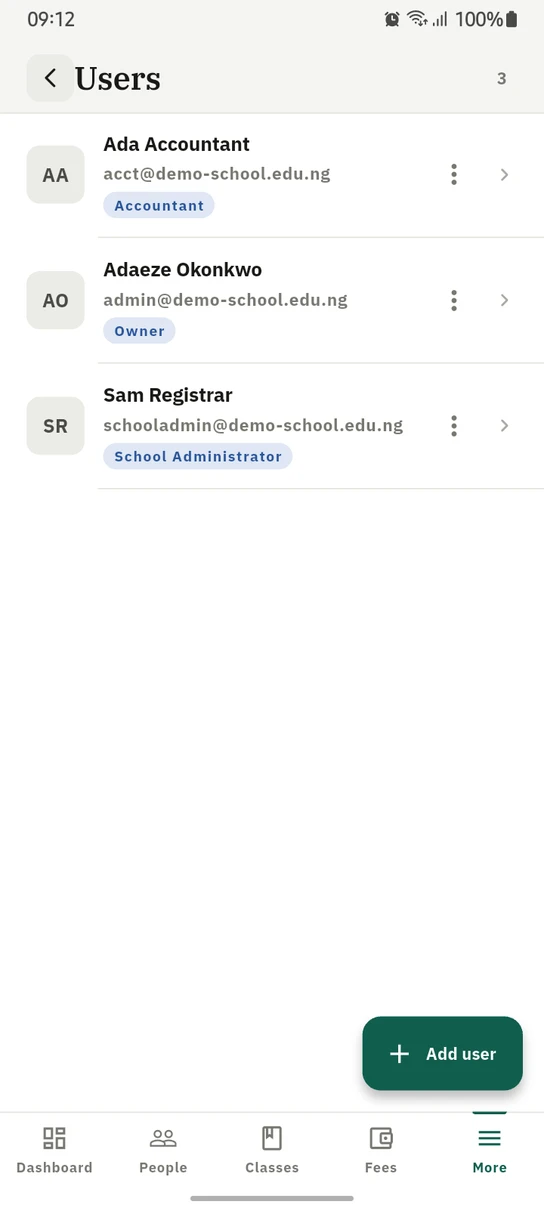
Staff accounts on the phone, each showing the role it holds.
Ready to try it with your school?
Three-month Basic trial. No card required to register.