
Advanced
Self-Service Password Reset
Staff and parents reset a forgotten password with a one-time code. Staff get theirs by email; a parent can ask with either their email address or their phone number. No admin action is required.
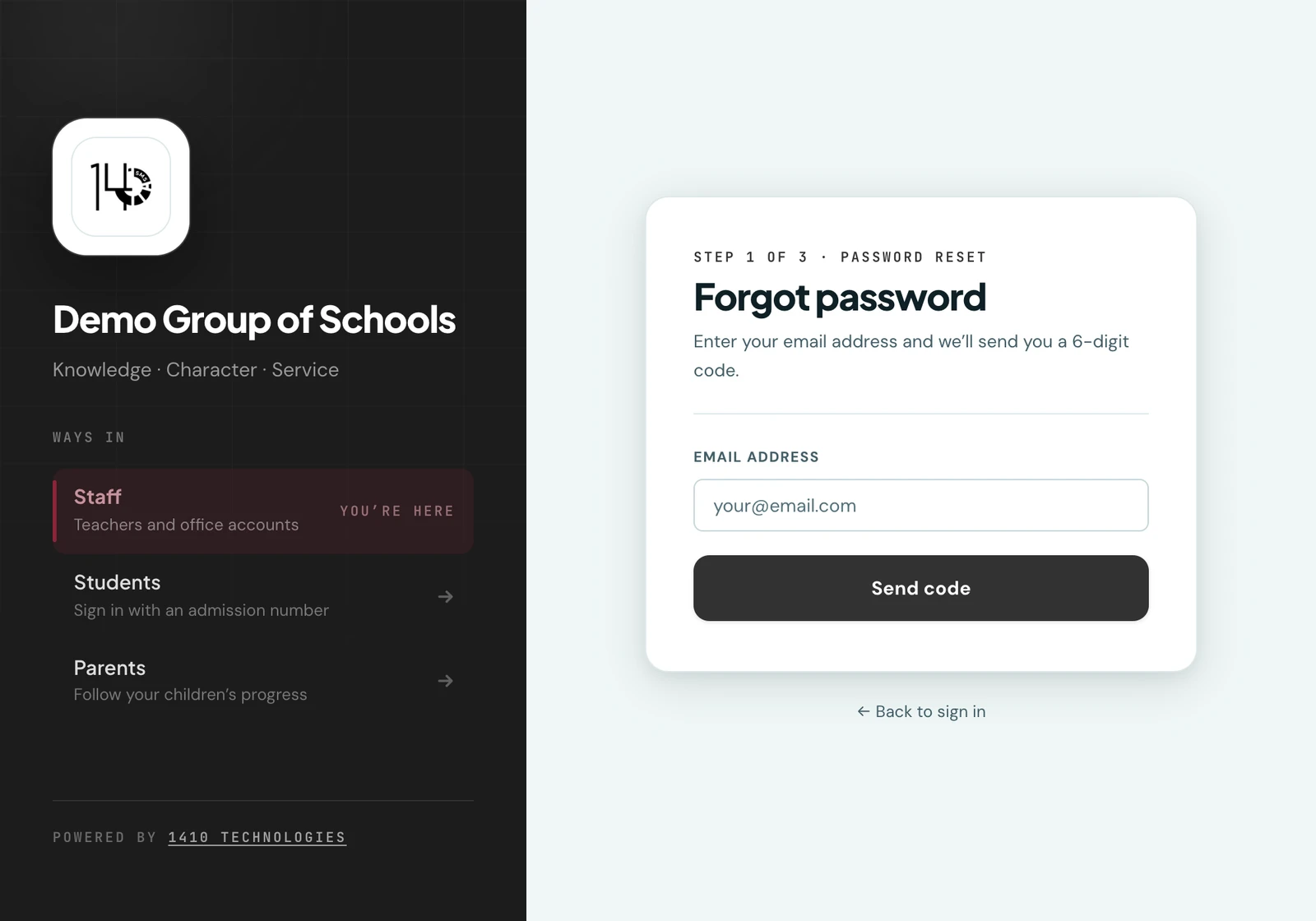
Staff, teachers, and parents can reset a forgotten password themselves via a 6-digit one-time code (OTP), with no admin intervention needed.
How it works
- Click Forgot password? on the login page.
- Enter the email address on the account. A parent may enter either their email address or their phone number, in whichever form they write it. A 6-digit code is sent and is valid for 15 minutes.
- Enter the code on the next screen to verify your identity.
- Choose a new password. The code is consumed and cannot be reused.
Where a parent's code is sent
A parent's code goes to the email address on their account. A parent who has no email address (a complete and valid account, see Parent management) gets it over WhatsApp, on the number their account is keyed on.
Which actor types are supported
- Staff (admins and teachers). Reset at
yourschool.1410sms.com/forgot-password - Parents. Reset at
yourschool.1410sms.com/parent-forgot-password; the link is also accessible via the parent login page
Students are not issued email-based logins, so the emailed OTP reset flow is not available to them. An admin can reset a student's password from the student's profile page instead.
A member of staff with no email address cannot use this either, for the same reason: there is nowhere to send the code. An administrator issues them a new password from the Users page instead, which is described under Staff without an email address.
On the phone
The mobile app has the same reset. Tap Forgot password? on the staff or parent sign-in screen, enter your email address (a parent may use their phone number instead) and tap Send code. Then enter the six-digit Reset code with your New password and tap Reset password: on the phone the two happen on one screen rather than two.
The administrator routes are on the phone too. Issue password is in the menu beside a staff account with no email address under More → Users, and Reset password is on a pupil's own record.
Ready to try it with your school?
Three-month Basic trial. No card required to register.