
School Setup
Custom Domain for Your School Portal
Serve your portal from your own domain (e.g. portal.yourschool.edu.ng) with automatic HTTPS, on the Standard plan and above.
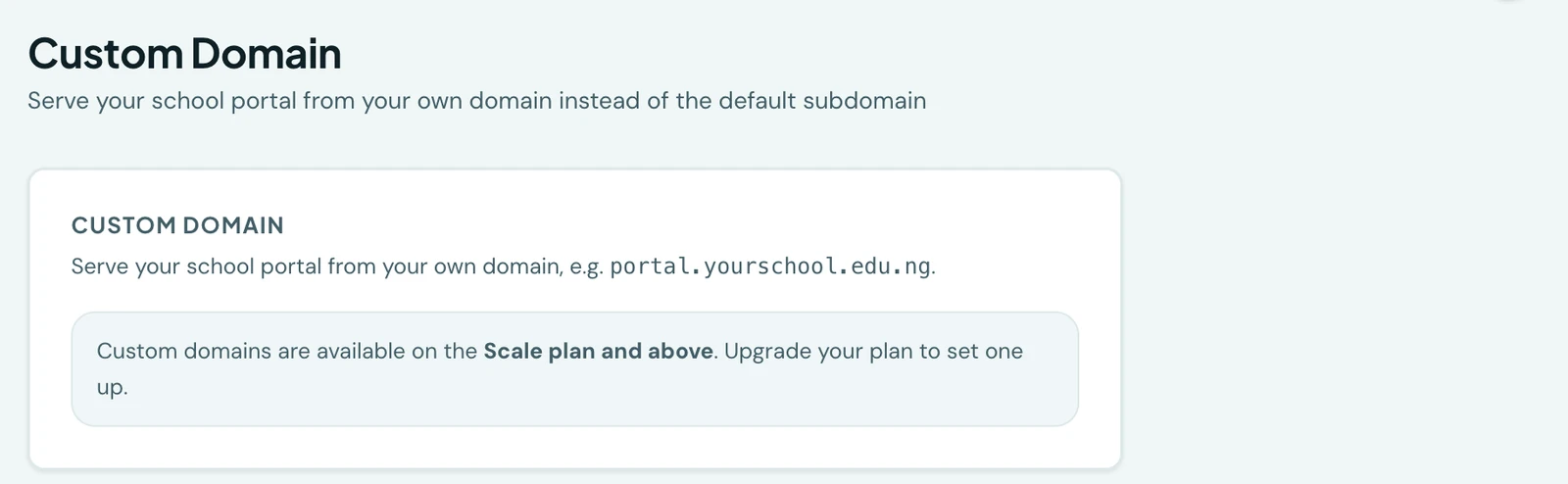
Serve your school portal from your own domain (e.g. portal.yourschool.edu.ng) instead of the default
yourschool.1410sms.com address. Available on the Standard plan and above. HTTPS is issued and renewed
automatically, and there is nothing to install.
Where to find it
Custom domain setup now has its own dedicated page in the admin portal: Configuration → Custom Domain in the sidebar.
Setup steps
- Go to Custom Domain in the sidebar, enter your domain, and click Set up domain.
- At your domain registrar, add the DNS records shown: a
CNAMEfrom your domain toschools.1410sms.com, plus anyTXTrecord listed for verification. - Click Verify. Once DNS propagates and the certificate is issued (usually a few minutes), the status turns Active and your portal is live over HTTPS.
Domain status
The status on the Custom Domain page reflects two separate things: whether the HTTPS certificate is ready, and whether your domain's DNS actually points at us. Both have to be true for visitors to reach your portal.
- Pending verification. The certificate is still being issued, or DNS hasn't propagated yet. Add the records shown and click Verify.
- Active. The certificate is issued and your domain reaches us. Your portal is live. A domain whose DNS is on your own Cloudflare account with the proxy switched on counts too: we check that it serves your portal, not only which addresses it resolves to.
- Not reachable. The certificate is ready, but your domain resolves somewhere else, so visitors see an error page rather than your portal. The page names what it currently resolves to. The usual causes are the CNAME never being added, a registrar parking/forwarding service overriding it, or the domain's nameservers having been changed. If your DNS is on your own Cloudflare account with the proxy on, a security setting there that challenges visitors (Bot Fight Mode, or "I'm Under Attack") stops our check from reaching your portal too; switch it off for this hostname and click Verify.
- Action needed. Verification failed or timed out at our end. Re-check the records and click Verify again.
We re-check where your domain points on every visit to the page, so a domain that stops reaching us is
flagged rather than continuing to report itself as live. Your yourschool.1410sms.com address keeps
working throughout.
Removing a domain
Click Remove domain on the Custom Domain page. The domain is deregistered from the platform
immediately and your portal falls back to the default subdomain. Your yourschool.1410sms.com address
is always available regardless of custom-domain status.
Once your custom domain is active, generated portal links use it, including emails, WhatsApp messages, invitations and copied entrance-exam links. Web payment returns also use your custom domain. Pending domains keep using the default subdomain until setup is complete.
Ready to try it with your school?
Three-month Basic trial. No card required to register.