
Academics
Next Lesson Reminders
Push a teacher the lesson they are about to teach, ten minutes before the bell, from the timetable your school has published.
A teacher with the mobile app can be sent the lesson they are about to teach: the subject, the class, the room, ten minutes before the bell.
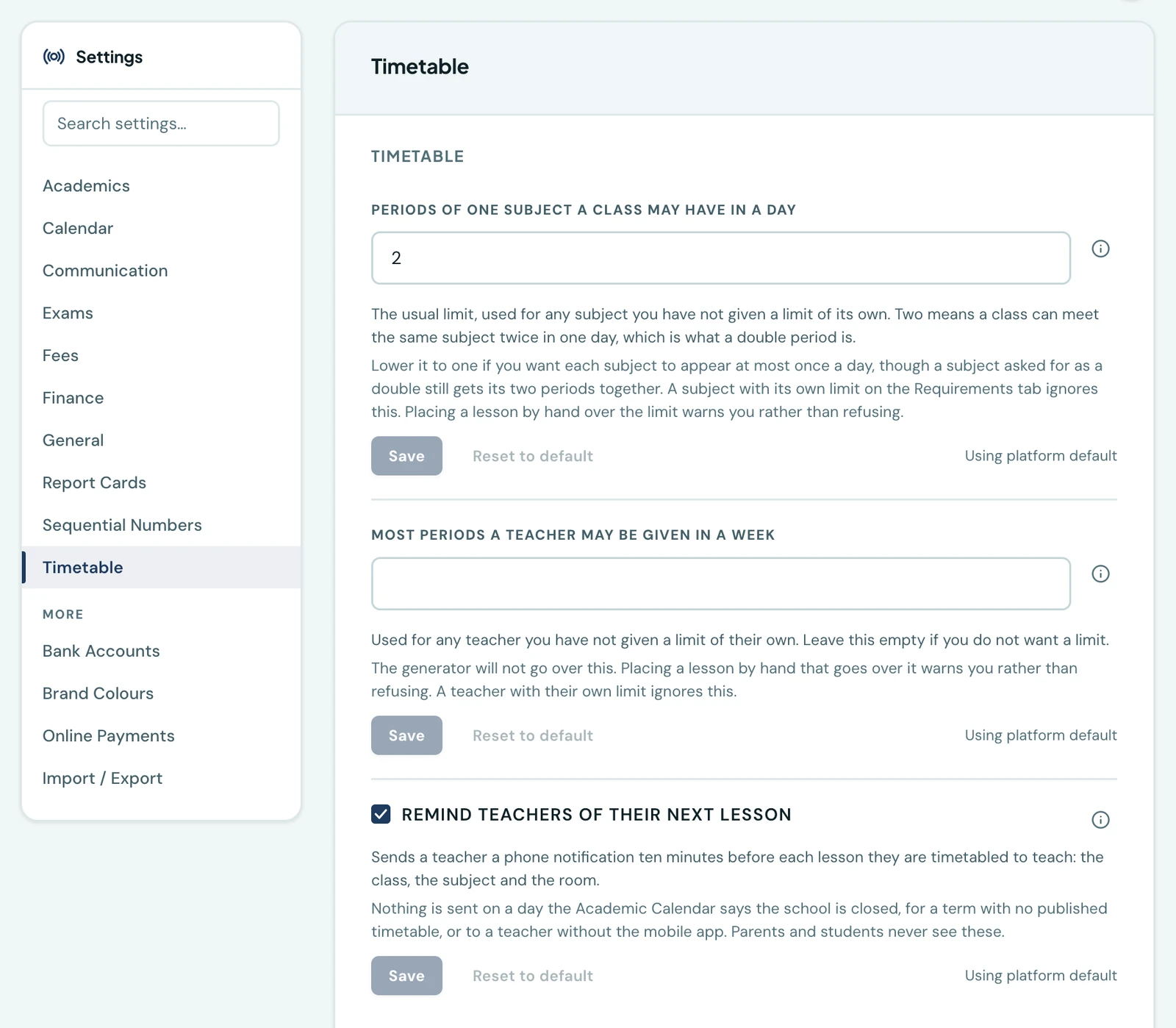
It is on, and you can turn it off under Settings → Timetable → Remind teachers of their next lesson.
Why it is on by default
Every other notification the platform sends follows something happening: an invoice raised, a timetable published, a payment recorded. This one follows the clock, and a teacher with a full timetable gets one before each of their lessons.
The alternative was to leave it off and let each school find it, which in practice means a feature nobody has. It is on instead because every send is already tightly bounded: a teacher only ever hears about a lesson they are actually timetabled to teach, from a timetable the school has published, on a day the calendar says the school is open. Nothing is sent speculatively.
A school that does not want it turns it off in one click, and turning it off stops every reminder immediately.
What a teacher gets
A push notification reading, for example, Mathematics at 10:00, then Period 3 with JSS 1A in Room 4. Tapping it opens their own week in the app.
The class and the room are left out when the lesson has neither recorded.
When they are sent
A reminder goes out only when all of the following hold:
- Your school has left the setting on.
- The current term has a published timetable. A draft is not sent from: it is a working copy, and reminding people about a week nobody has committed to is worse than reminding them about nothing.
- The calendar says the school is teaching that day. A day recorded as a holiday or a closure sends nothing, whatever the timetable says. A teacher pushed a lesson on a public holiday stops believing the next one.
- The teacher has a staff account and the mobile app installed, with notifications allowed.
A teacher who has not installed the app is simply not sent anything. Nothing else changes for them.
What it does not do
It does not tell a teacher about cover, a lesson somebody else's class is sitting because a colleague is away. The platform records who is away (see staff leave), but it does not reassign lessons, so a reminder can only ever come from the published timetable.
It does not reach students or parents. A pupil's day is the same every week and their timetable is in the app whenever they want it; a notification before each lesson would be six a day to tell somebody what they already know.
There is no email or WhatsApp version. This is a notification that is only useful in the two minutes before a bell, and neither channel is read that quickly.
On the phone
There is nothing to do on the mobile app for reminders to arrive: the app is where they arrive. A teacher who has it installed and has allowed notifications gets each one as a push, and tapping it opens My Timetable at their own week. The switch is on the phone too, under More → Settings → Timetable.
Ready to try it with your school?
Three-month Basic trial. No card required to register.